Office productivity hinges on systems that reduce friction, protect attention, and let quality work scale across teams.
Whether teams are remote, hybrid, or office-based, practical habits and small tech adjustments unlock large gains in output and satisfaction.
Protect attention with intentional scheduling
Treat time as the primary resource.
Block uninterrupted focus periods on the calendar and guard them like meetings: mark them busy, use a clear title (e.g., “Deep Work — Project X”), and keep recurring windows for creative or high-priority tasks. Combine time blocking with task batching — group similar work (emails, calls, writing, reviews) into dedicated blocks to minimize costly context switching.
Run better meetings
Meetings should have a clear purpose, agenda, and outcome.
Share an agenda ahead of time with time allocations and expected decisions.
Start with the most important items, limit attendees to decision-makers and essential contributors, and end with explicit action items and owners. Experiment with shorter meetings and standing updates; many teams get better alignment with 15–30 minute check-ins rather than hour-long updates.
Simplify email and messages
Email and chat can fragment the day. Adopt simple rules: check email at set times (for example, mid-morning and late afternoon), use inbox rules and labels to triage, and create canned responses for frequent replies. For team communication, favor threaded discussions in shared tools or docs for complex topics and use chat for quick clarifications.
Encourage colleagues to use descriptive subject lines and clear calls to action.
Automate repetitive work
Small automations save hours.
Use templates for common documents, email snippets for repeated replies, and built-in automations or integrations to move data between apps. Macros, keyboard shortcuts, and workflow tools can handle routine tasks like report generation or status updates. Prioritize automations that eliminate manual copying or repetitive mouse clicks.
Organize digital files for speed
A consistent file-naming convention and folder structure reduce search time and version confusion. Keep active projects in a short, current list and archive completed work. Use shared cloud drives with clear access rules and a single source of truth for collaborative files. Version control and commenting in documents keep changes transparent without doubling files.
Measure outcomes, not busyness
Shift metrics from hours logged to outcomes delivered. Track progress with clear milestones, completion rates, and customer or stakeholder feedback. Use short retrospectives to identify process bottlenecks and remove recurring blockers. When everyone understands success metrics, it’s easier to prioritize the right work.
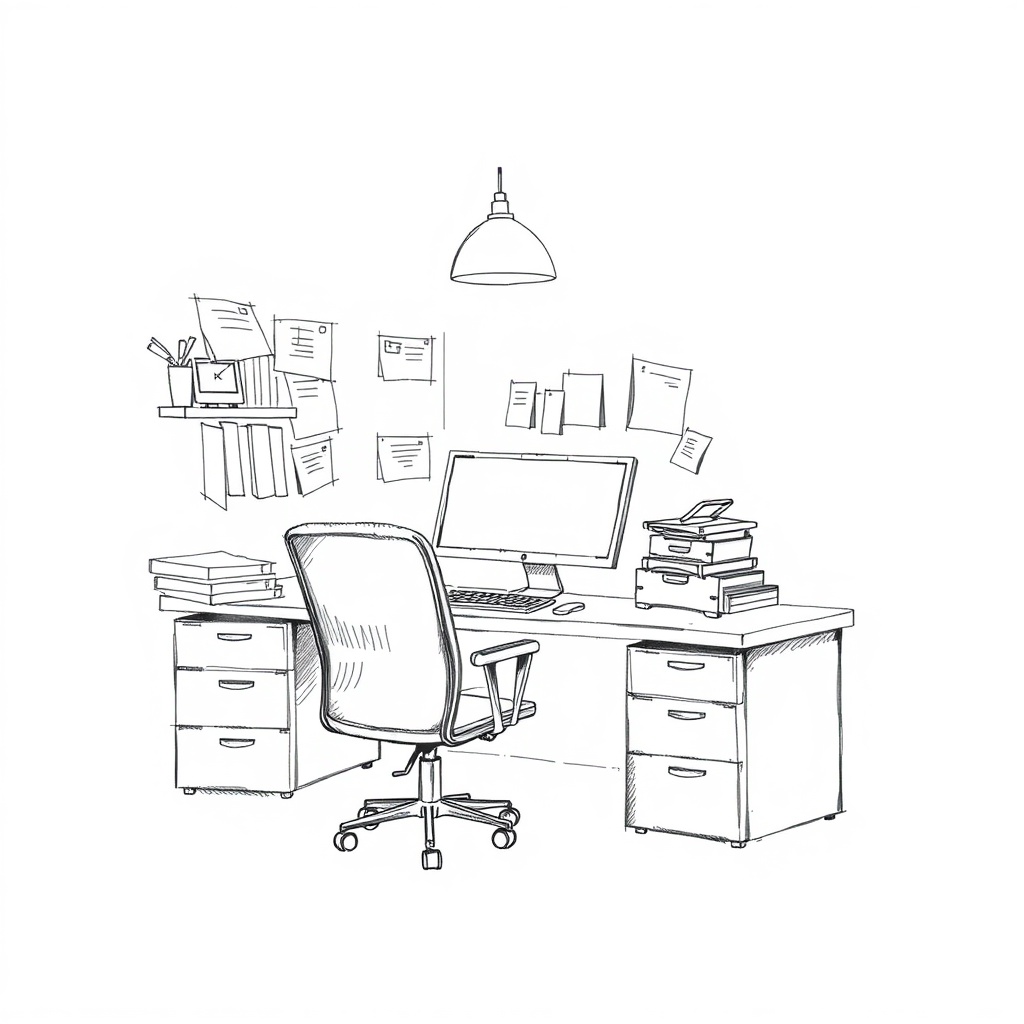
Design the workspace for focus and health
Ergonomics matter. A comfortable chair, proper monitor height, and a keyboard setup that reduces strain make sustained work more productive. Incorporate micro-breaks and standing options to reduce fatigue.
Natural light, plants, and a tidy desk can improve mood and cognitive clarity.
Promote async-first collaboration
Encourage documentation and recorded updates for non-urgent work. Asynchronous collaboration lets people contribute when they are most productive and reduces unnecessary meetings. Use shared project boards to show status at a glance and reserve synchronous time for decisions that truly need real-time discussion.
Practical checklist to try this week
– Block two 90-minute focus periods and protect them.
– Limit meetings to necessary attendees and share an agenda beforehand.
– Triage email twice daily and set up three canned responses.
– Create one automation or template to eliminate a repetitive task.
– Implement a simple file-naming rule for active projects.
Small, consistent changes compound. By designing workflows that prioritize attention, reduce needless repetition, and focus on outcomes, teams can reclaim productive time and deliver better work with less stress.
Leave a Reply