Mastering Focus in Hybrid Work: Practical Strategies to Boost Office Productivity
Hybrid work has changed how teams operate, making focus and intentional workflows essential for consistent productivity. Whether you split time between home and office or manage a fully remote team, the same principles help reduce friction, minimize context switching, and produce higher-quality work in less time.
Prioritize work with time blocking
Time blocking turns a reactive day into a proactive schedule. Start by grouping tasks into focused blocks for deep work, shallow tasks, and collaborative time. Treat deep-work blocks like meetings: put them on your calendar, set a clear objective, and protect them from interruptions. Two practical rules:
– Reserve at least one uninterrupted 60–90 minute block each day for your most important task.
– Use shorter 25–45 minute blocks for creative bursts, followed by brief breaks to refresh attention.
Cut context switching and batch tasks
Context switching is productivity’s silent tax. Batch similar tasks—email, calls, document edits—into fixed windows. For example, check email two or three times daily and enforce a zero-notification policy outside those windows. Batch-processing reduces cognitive load and improves execution speed.
Make meetings matter
Too many meetings drain focus.
Increase meeting ROI by enforcing simple standards:
– Every meeting must have a clear agenda and desired outcome circulated in advance.
– Only invite essential participants; optional attendees should get a recording or notes.
– End meetings with next steps, owners, and deadlines to avoid follow-ups that fragment attention.
Streamline communication and documentation
Adopt async communication for updates that don’t require real-time interaction. Use concise status updates, shared documents, and searchable knowledge bases so answers are discoverable without a meeting.
Effective documentation avoids repeated explanations and accelerates onboarding and handoffs.
Leverage automation and simple tool habits
Automation doesn’t need to be complex.
Start with templates, saved responses, keyboard shortcuts, and basic macros to eliminate repetitive work. Standardize filenames and folder structures to reduce time spent searching for files. Small automations compound into hours saved each month.
Optimize your digital workspace
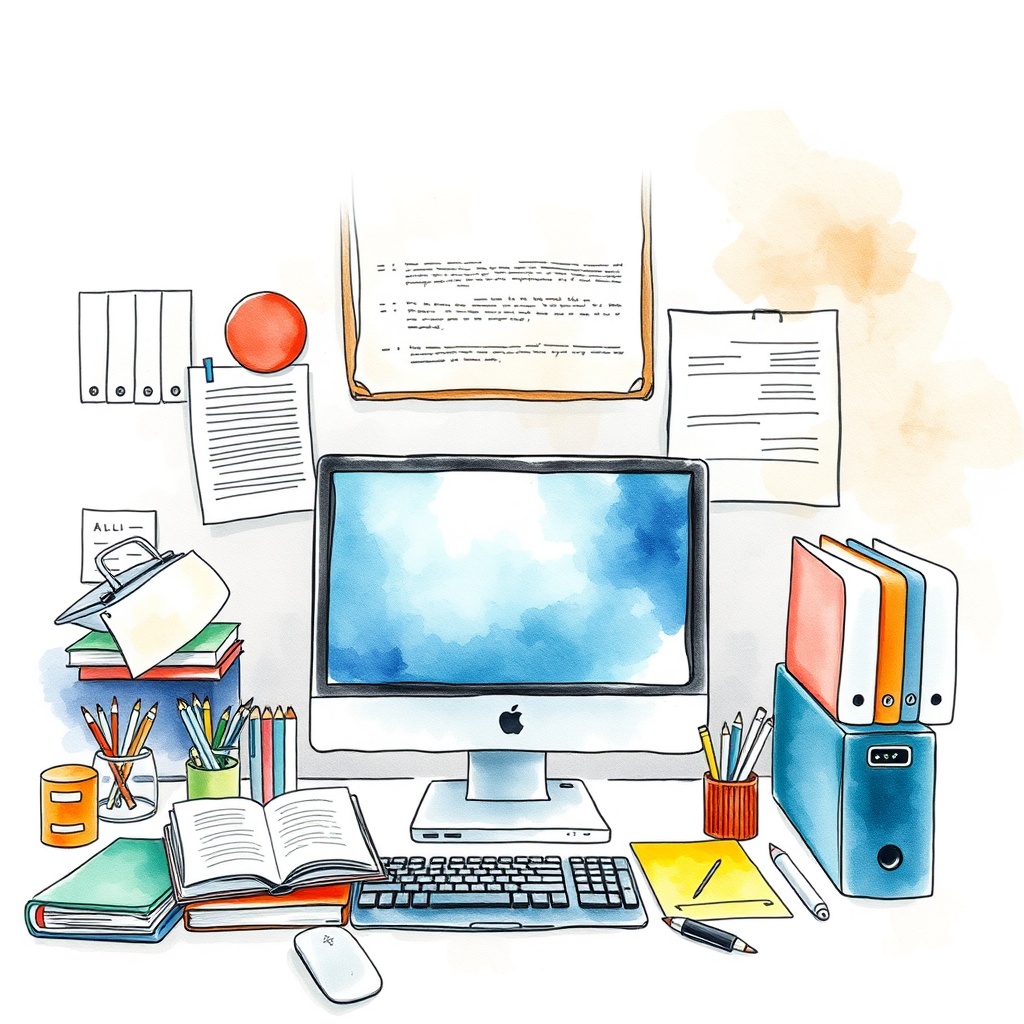
A cluttered digital environment mirrors a cluttered mind. Unsubscribe from irrelevant mailing lists, archive old projects, and organize active work into a single, visible workspace. Keep a short “Next Actions” list accessible on your desktop or in your task manager to reduce friction when switching tasks.
Protect energy and ergonomics
Productivity hinges on sustainable energy. Prioritize ergonomics—comfortable chair, proper monitor height, good lighting—and schedule short physical breaks.
Hydration, movement, and sunlight significantly impact sustained attention across the day.
Adopt a simple review cadence
Weekly reviews keep priorities aligned and prevent backlog creep.
Spend 15–30 minutes assessing what worked, what didn’t, and adjusting time blocks and meeting load accordingly. This practice ensures continuous improvement without overhauling systems.
Quick starter checklist
– Block deep work on your calendar and guard it.
– Limit email checks and batch-process a few times daily.
– Require agendas and clear outcomes for meetings.
– Use templates and keyboard shortcuts to automate repetitive tasks.
– Keep a weekly review habit to refine your routines.
Try adopting one change this week—time blocking, a meeting rule, or an automation—and measure the improvement after a few cycles. Small, consistent adjustments compound into a more focused workday and measurable gains in office productivity.
Leave a Reply