Small, consistent changes to process and environment deliver the biggest wins for office productivity. Whether you work onsite, remotely, or in a hybrid model, these practical strategies help you move more work forward with less friction.
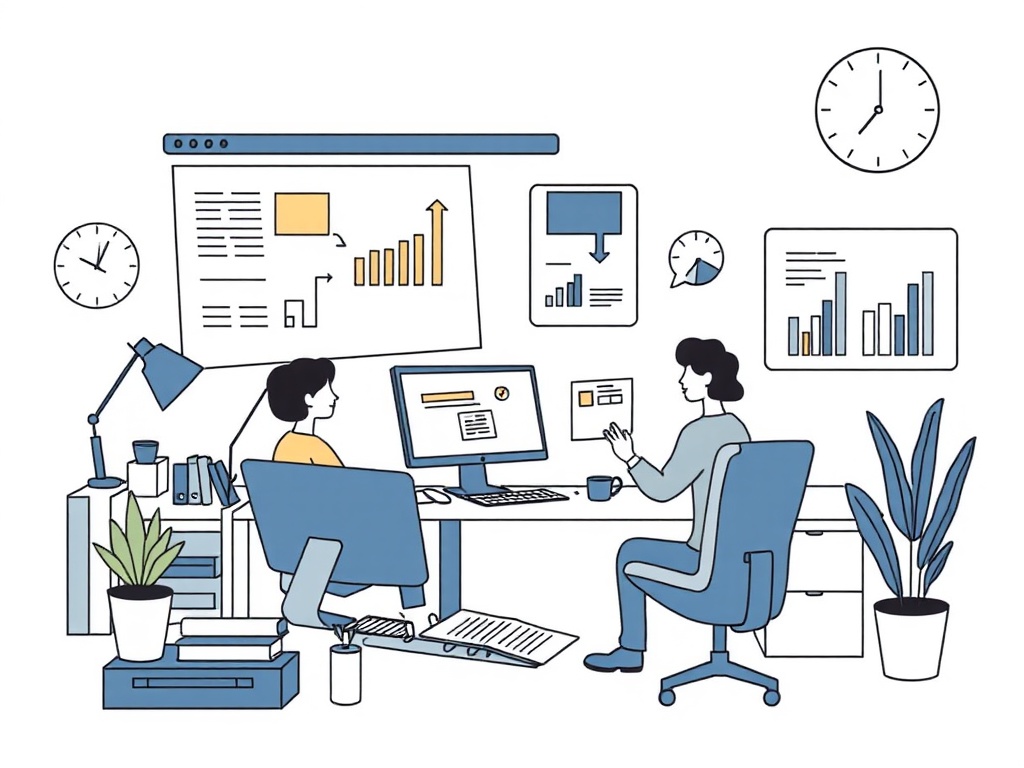
Prioritize and plan for deep work
– Block focus time on your calendar and protect it the same way you would a meeting. Treat these blocks as non-negotiable for tasks that require concentration.
– Use a single trusted task list.
Capture everything there, then triage by priority, effort, and impact.
When new items arrive, decide immediately: do it (if under two minutes), defer, delegate, or delete.
– Adopt time-boxing. Assign a duration to each task to reduce perfectionism and increase momentum.
Tame your inbox
– Adopt an inbox-zero mindset with pragmatism: process mail in short, scheduled sessions rather than continuously reacting. Turn email into an action list by labeling or moving messages into folders like “Action,” “Waiting,” and “Reference.”
– Create short reply templates for common responses and canned searches for frequent queries. Use snooze and send-later features to keep the inbox focused on what’s actionable now.
– Unsubscribe relentlessly and set rules to automatically archive low-value newsletters or notifications.
Make meetings work for everyone
– Only invite required participants and share a clear agenda with pre-read materials.
If a decision can be made asynchronously, avoid scheduling a meeting.
– Time-box meetings and favor shorter durations.
Swap recurring status meetings for a weekly digest or shared project board updates to cut repetitive syncs.
– End meetings with concrete next steps assigned to named owners and deadlines.
Automate repetitive tasks
– Identify repetitive processes that can be templated or automated—report updates, file organization, routine approvals—and build a repeatable workflow. Even simple macros, email rules, or spreadsheet formulas save time.
– Use integrations between calendar, task manager, and cloud storage so information moves without manual copying. Automate notifications selectively to reduce noise.
Design an environment that supports focus
– Reduce friction: keep frequently used files accessible, standardize naming conventions, and maintain a clutter-free workspace. Clear visual clutter to reduce cognitive load.
– Optimize notifications: mute nonessential alerts and create “do not disturb” periods. Use a single communication channel for urgent items so expectations for response time are clear.
– Pay attention to ergonomics—good lighting, a supportive chair, comfortable screen distance, and regular movement breaks reduce fatigue and sustain productivity across the day.
Adopt habits that sustain energy
– Use short-focus rhythms like the Pomodoro technique—work in concentrated sprints with brief rests—to maintain momentum without burning out.
– Schedule small, regular breaks and use them intentionally: stand, hydrate, stretch, or step outside for fresh air to reset attention.
– Track outcomes rather than hours. Measure progress with completed tasks, decisions made, and milestones moved forward to stay motivated.
Quick checklist to implement this week
– Schedule two focus blocks and mark them busy on your calendar.
– Create three email templates for your most common replies.
– Cut one recurring meeting or turn it into a shared status update.
– Automate or template one repetitive task.
– Do a five-minute desk declutter and set a “do not disturb” window.
Small experiments lead to big gains. Try one or two changes, measure the effect, and iterate—productivity scales when systems become habits rather than heroic efforts.
Leave a Reply