Office productivity is about working smarter, not harder.
With distributed teams, overflowing inboxes, and constant context switches, small changes deliver big results. Here’s a practical playbook to reclaim focus, reduce busywork, and get more meaningful work done.
Start with calendar triage
– Audit your calendar for a week to spot recurring low-value meetings. Cancel or shorten anything that doesn’t have a clear outcome.
– Create protected focus blocks each day and treat them like unbreakable meetings.
– Use a simple meeting rule: every invite must include objective, agenda, timebox, and decision owner. If not, decline or request clarification.
Shift to asynchronous communication
– Replace status meetings with concise shared documents, recorded walk-throughs, or short video updates. This reduces interruptions and respects time zones.
– Standardize where work happens: designate a primary project space (e.g., a shared doc or project board) so information isn’t scattered across chat, email, and drives.
– Establish expected response windows (for example, same day for urgent, 24–48 hours for non-urgent) to limit constant checking.
Automate repetitive tasks
– Identify routine tasks that eat time: report generation, file naming, reminders, or data entry.
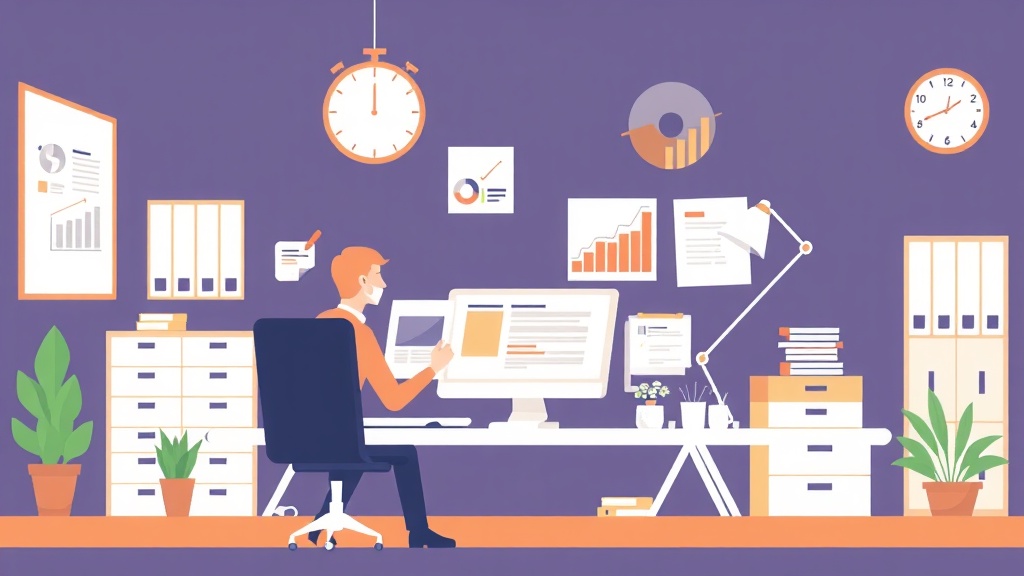
Automation platforms and spreadsheet macros can handle many of these steps.
– Create templates for recurring emails, meeting agendas, and project briefs. Templates shave minutes into seconds and keep communication consistent.
– Use simple integrations to move data between apps.
Even basic triggers—create a task from a starred message, copy form responses to a project board—cut manual handoffs.
Optimize email and messaging
– Adopt inbox rules and labels to triage automatically. Use a “To Do,” “Soon,” and “Archive” triage system to keep the inbox from dictating priorities.
– Write clearer subject lines and prepend tags like [Decision], [FYI], or [Action] so recipients know the expected response.
– Try a daily email batch routine: check email at set times instead of continuously. Combine this with quick two-minute handling for small items.
Design for deep work and single-tasking
– Use time-blocking and the Pomodoro technique to protect concentrated bursts. Single-tasking produces higher-quality outcomes faster than constant multitasking.
– Reduce context switching by grouping similar tasks (batch processing). For example, schedule all creative work in morning blocks and administrative tasks in the afternoon.
– Use focus aids: noise-cancelling headphones, website blockers, and clear visual cues for “do not disturb” periods.
Make tooling and ergonomics work for you
– Learn high-impact shortcuts and text expansion to speed routine typing and navigation.
– Keep a lightweight personal playbook or checklist for common processes so new or returning tasks don’t require relearning.
– Ergonomics matter: a comfortable chair, correct monitor height, and good lighting cut fatigue and improve sustained productivity.
Lead with clarity
– Managers should set one to three priority goals per team and align individual work to those outcomes. Clear priorities eliminate guesswork and reduce unnecessary meetings.
– Empower team members to make decisions within defined guardrails to avoid constant approvals.
Start small: pick one habit—calendar triage, an automation, or an email batch routine—and run it for a few weeks. Small, consistent changes compound quickly and create a more focused, less frantic work life.
Leave a Reply